OnceScribe
Offline Audio & Video to Text
Meetings, podcasts, and videos become editable transcripts on your Mac or PC. Audio never leaves the device.
Free to start · Pro from $7.88/year or $14.88 once
- macOS 11+ & Windows 10/11
- 100% on-device. Nothing uploaded.
- Free to try. No account required.
- Yearly or pay-once lifetime license
Why not a cloud transcription app?
OnceScribe is offline speech-to-text for macOS and Windows. Cloud apps upload your recordings; this one never does.
| Cloud apps | OnceScribe | |
|---|---|---|
| Your audio | Uploaded to their servers | Stays on your disk |
| After setup | Needs an internet connection | Works fully offline |
| Typical cost | Monthly subscription | $7.88/year or $14.88 once |
| Meetings, podcasts, subtitles | Split across several tools | One desktop app |
Features
Private meetings, podcasts, and subtitles — on your machine
Fully Offline Transcription
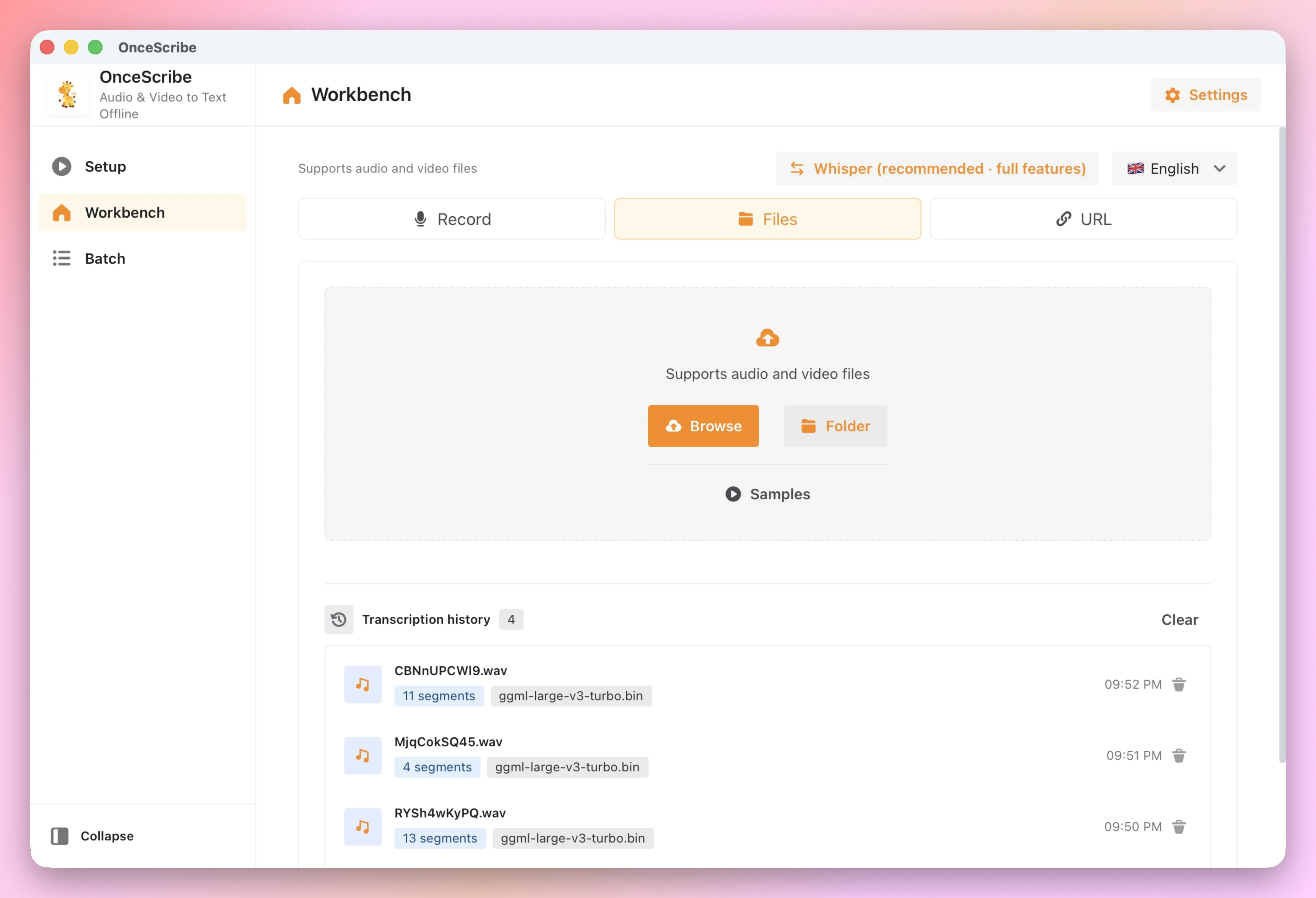
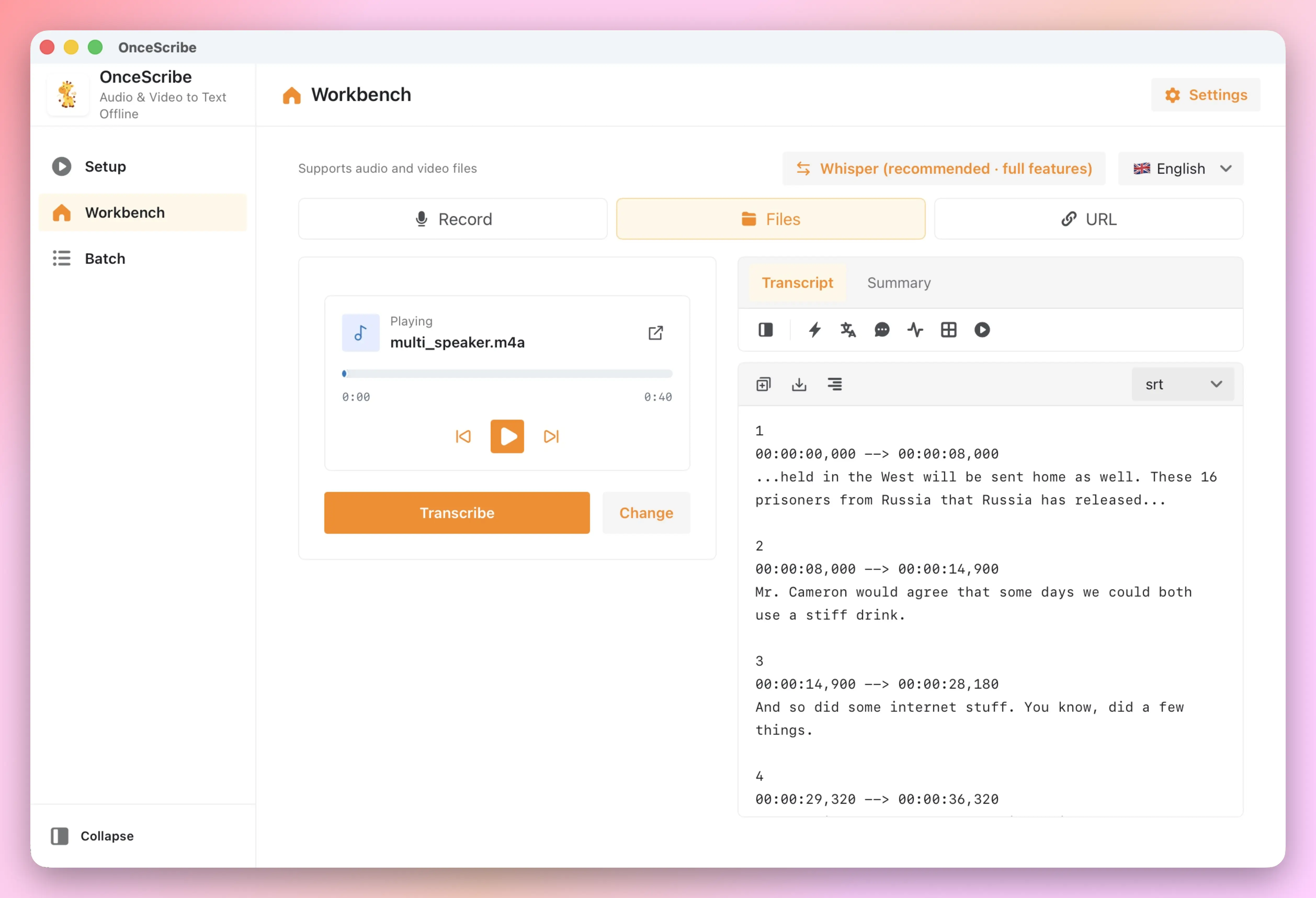
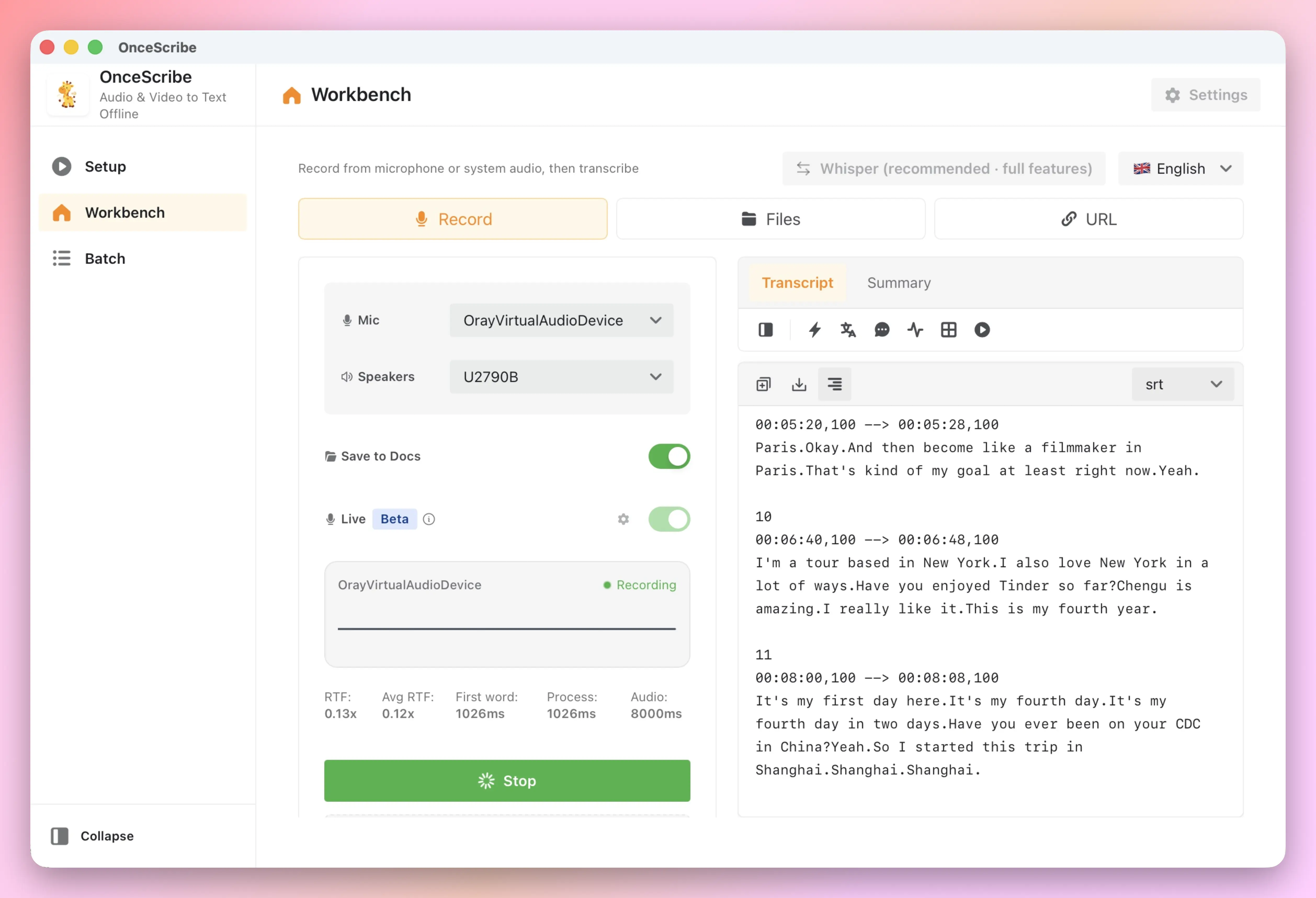
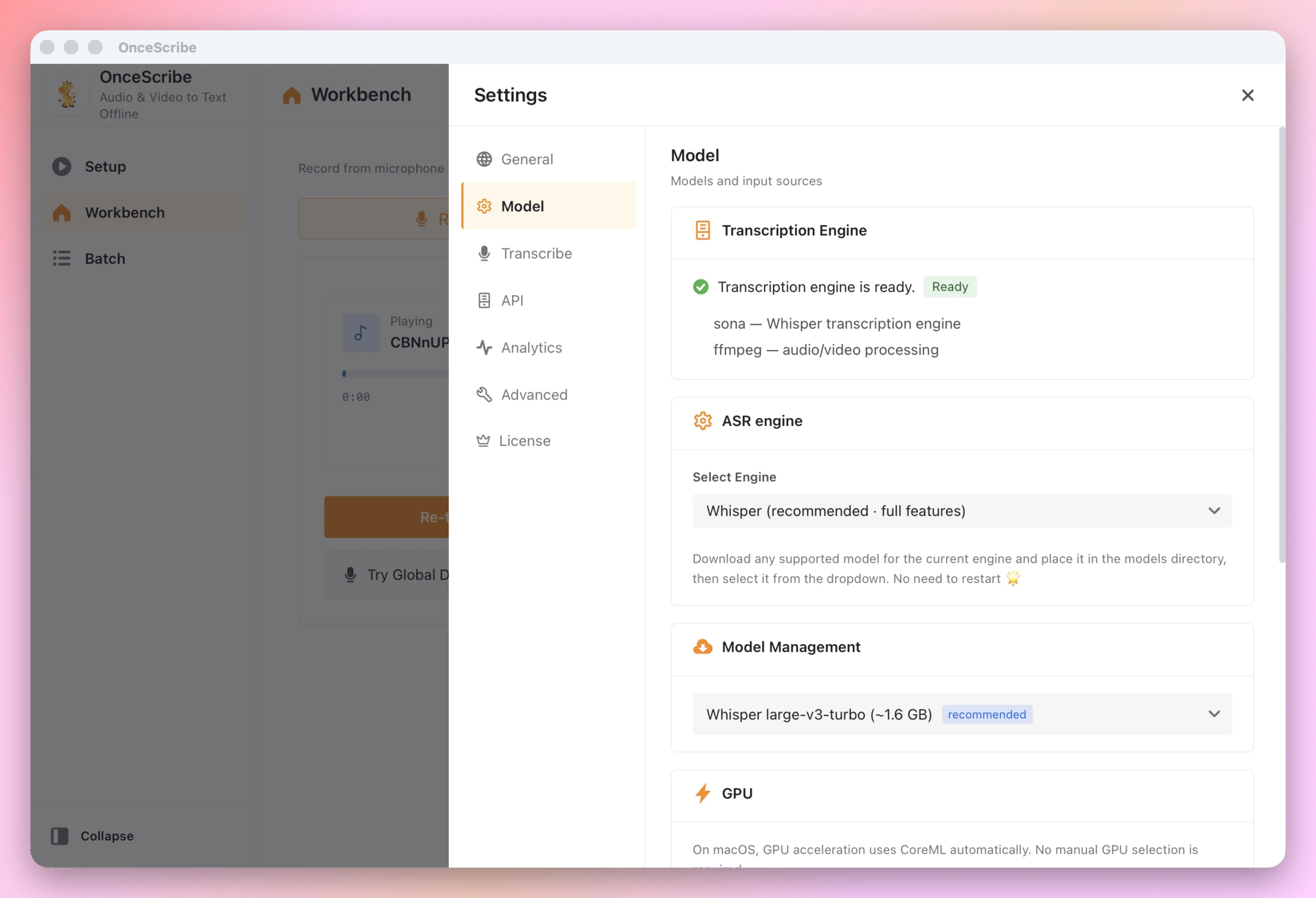
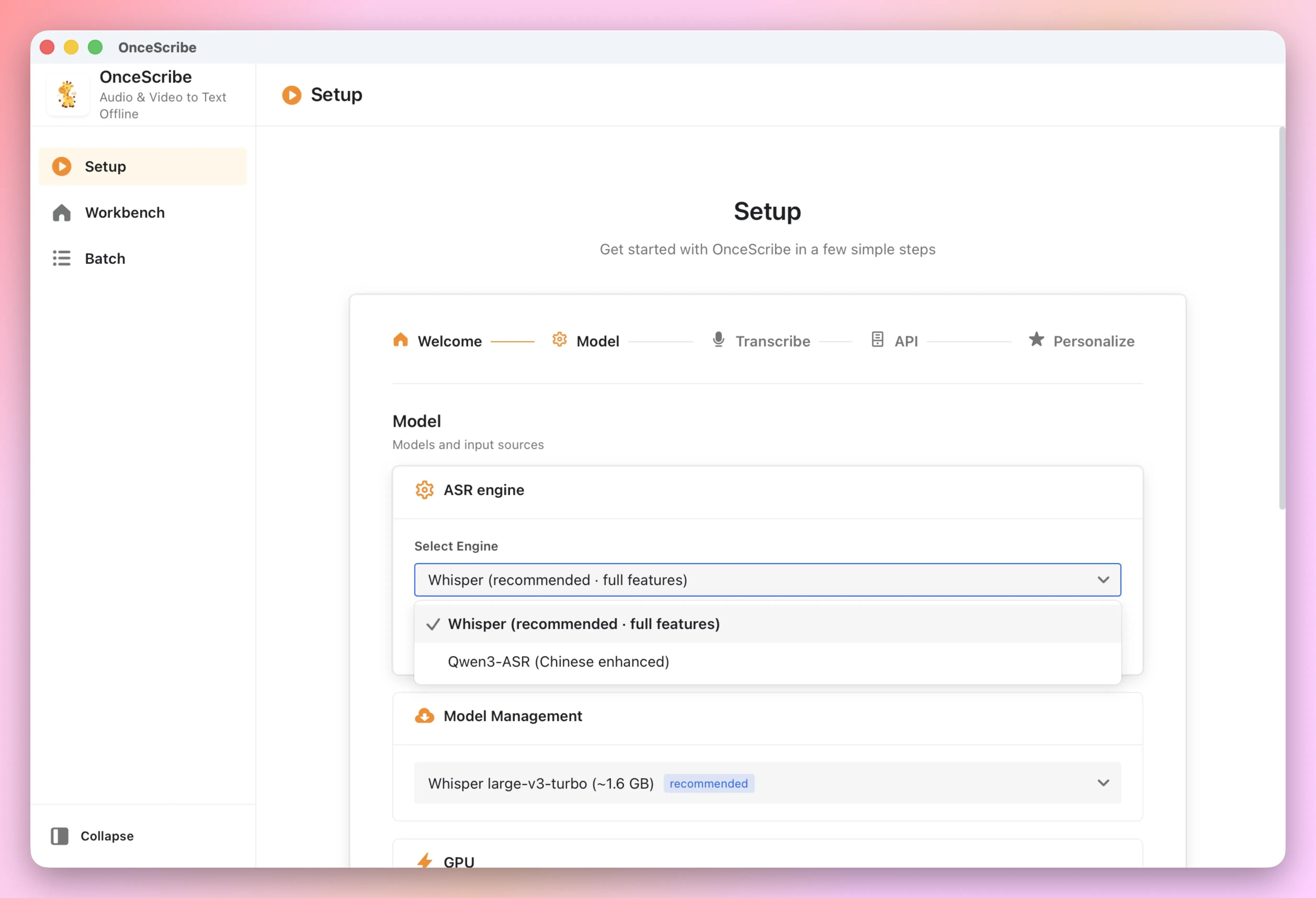
Powered by OpenAI Whisper and Qwen3-ASR. Load models once and transcribe without the internet. No uploads, no cloud processing — your recordings, interviews, and meeting notes stay on your device.
Any Input Source
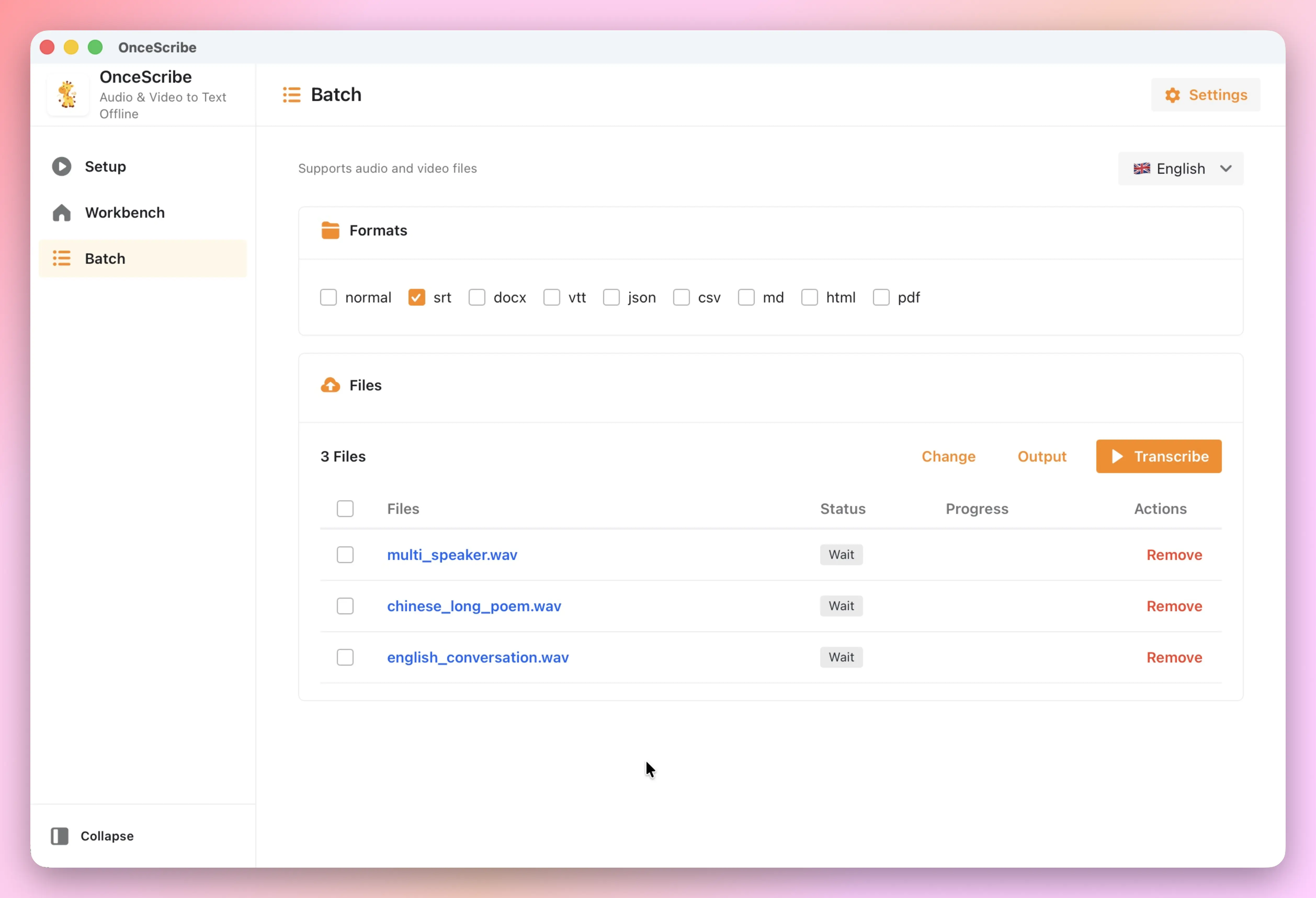
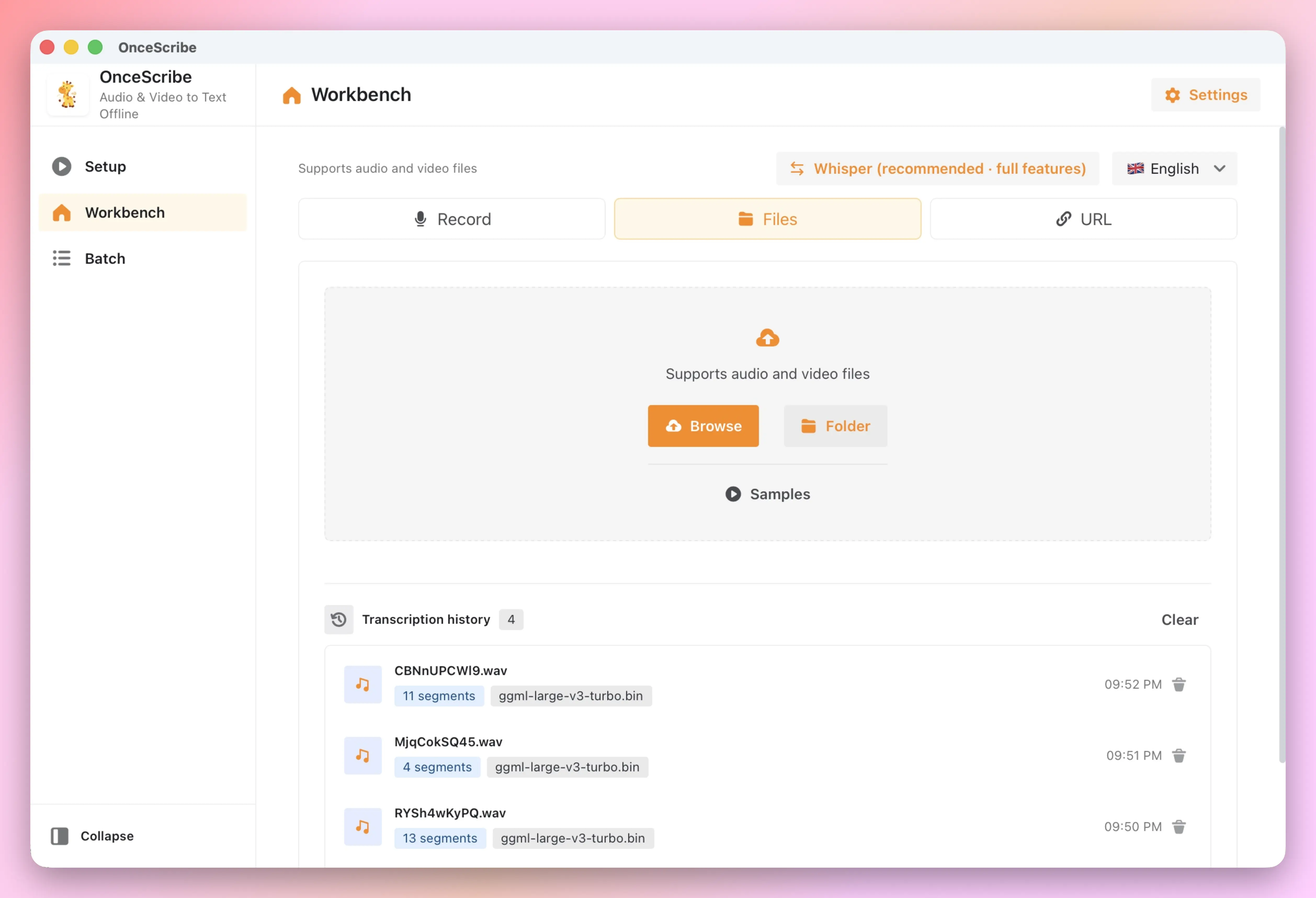
Drag in files, record live audio, capture system sound, or paste a YouTube link. Batch queue and watch-folder automation handle the rest.
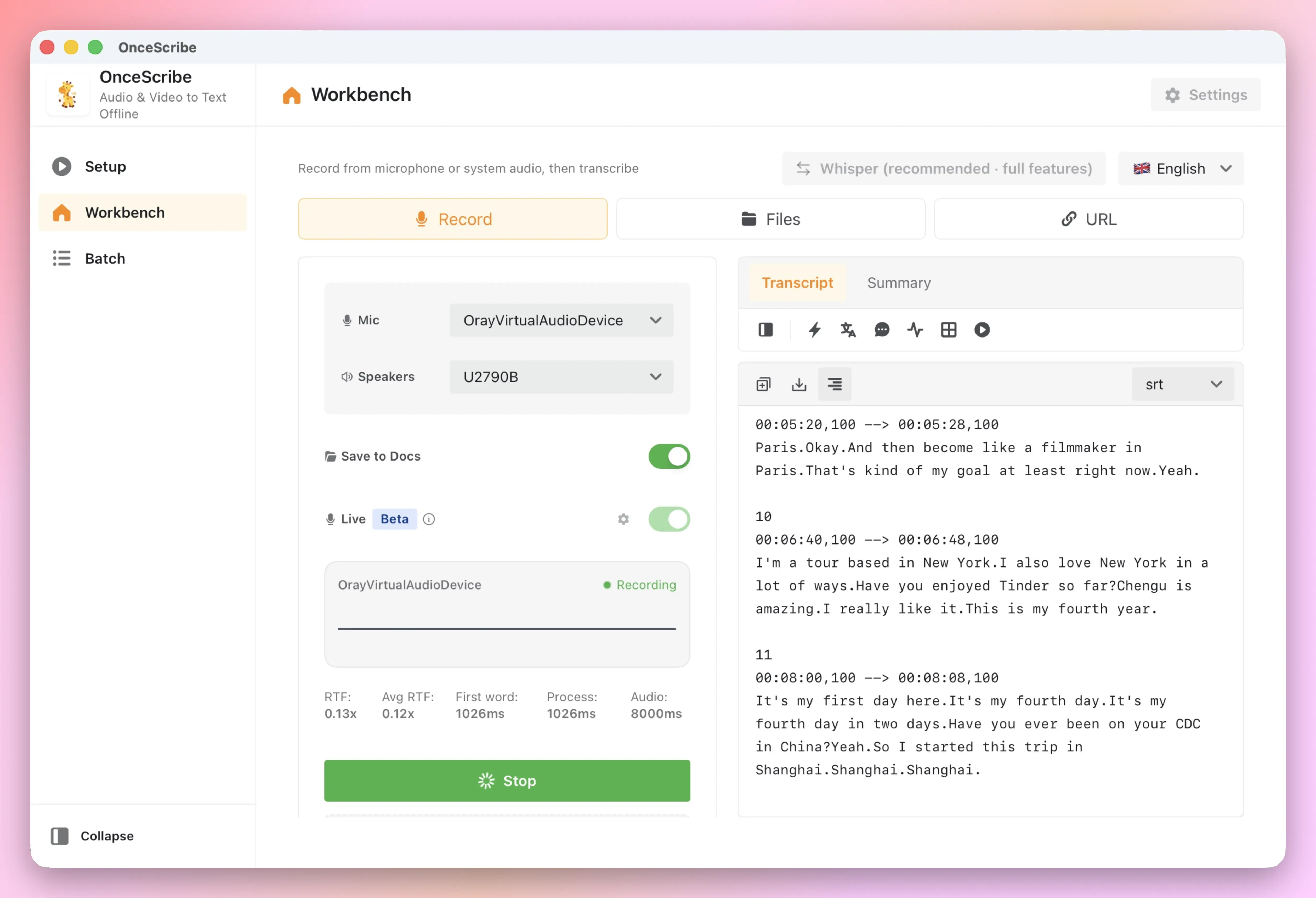
Live Recording
Record microphone or system audio and transcribe automatically. Live recording uses the Qwen3-ASR engine by default — perfect for meetings, interviews, and live streams.
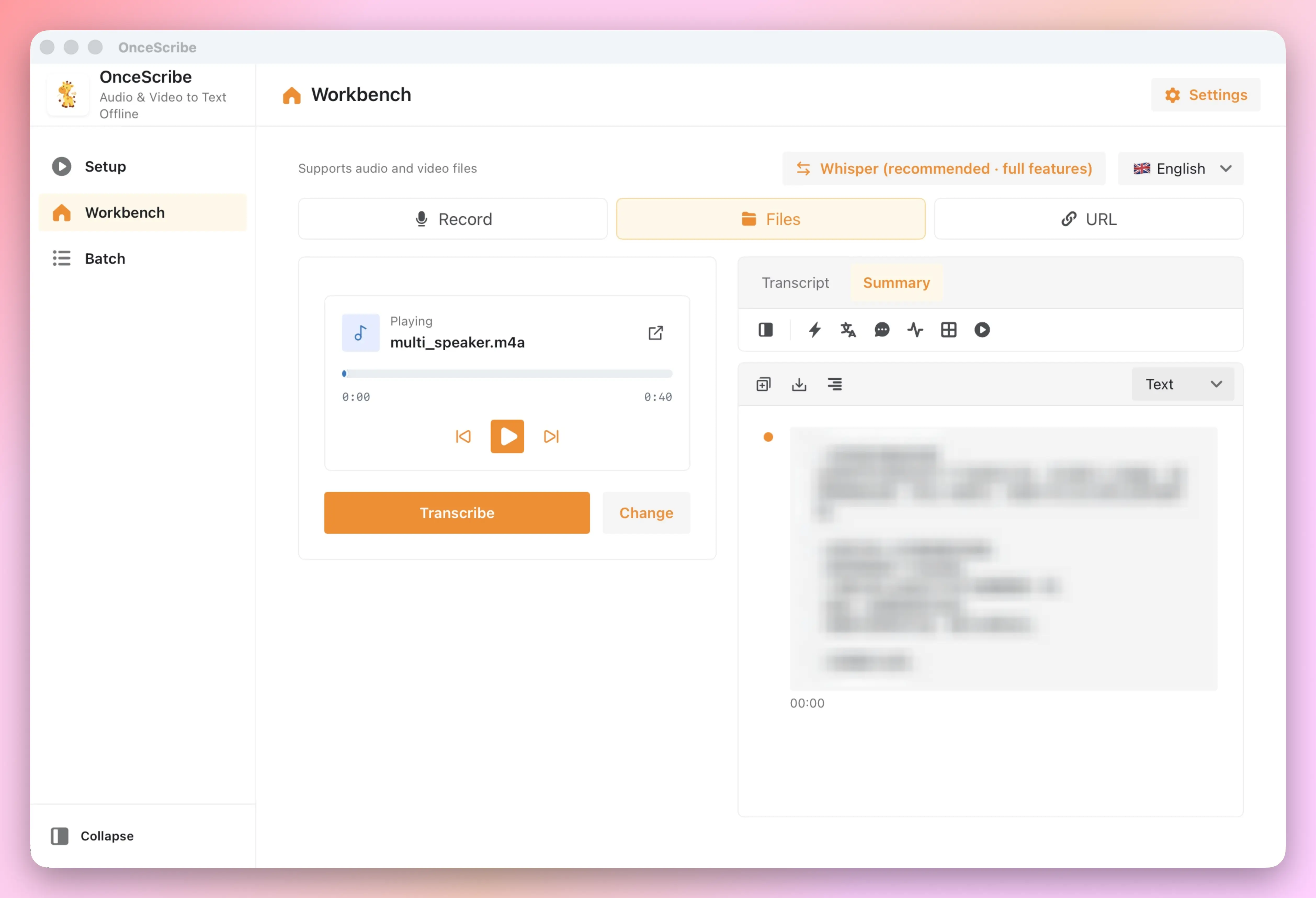
AI-Powered Summaries
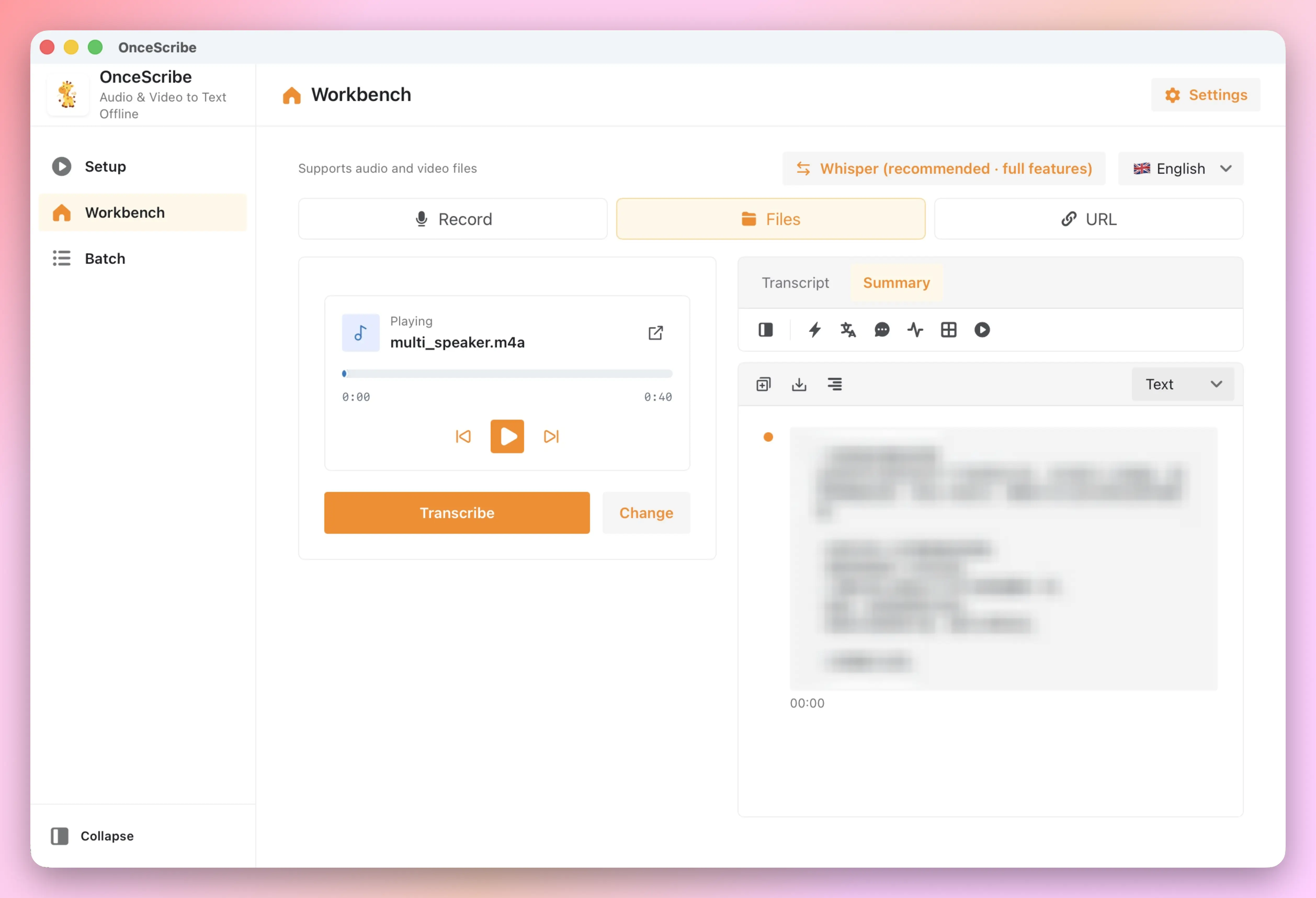
Turn long transcripts into action items, key insights, and Q&A. Connect Claude, DeepSeek, Gemini, Qwen, or a local Ollama model — your choice.
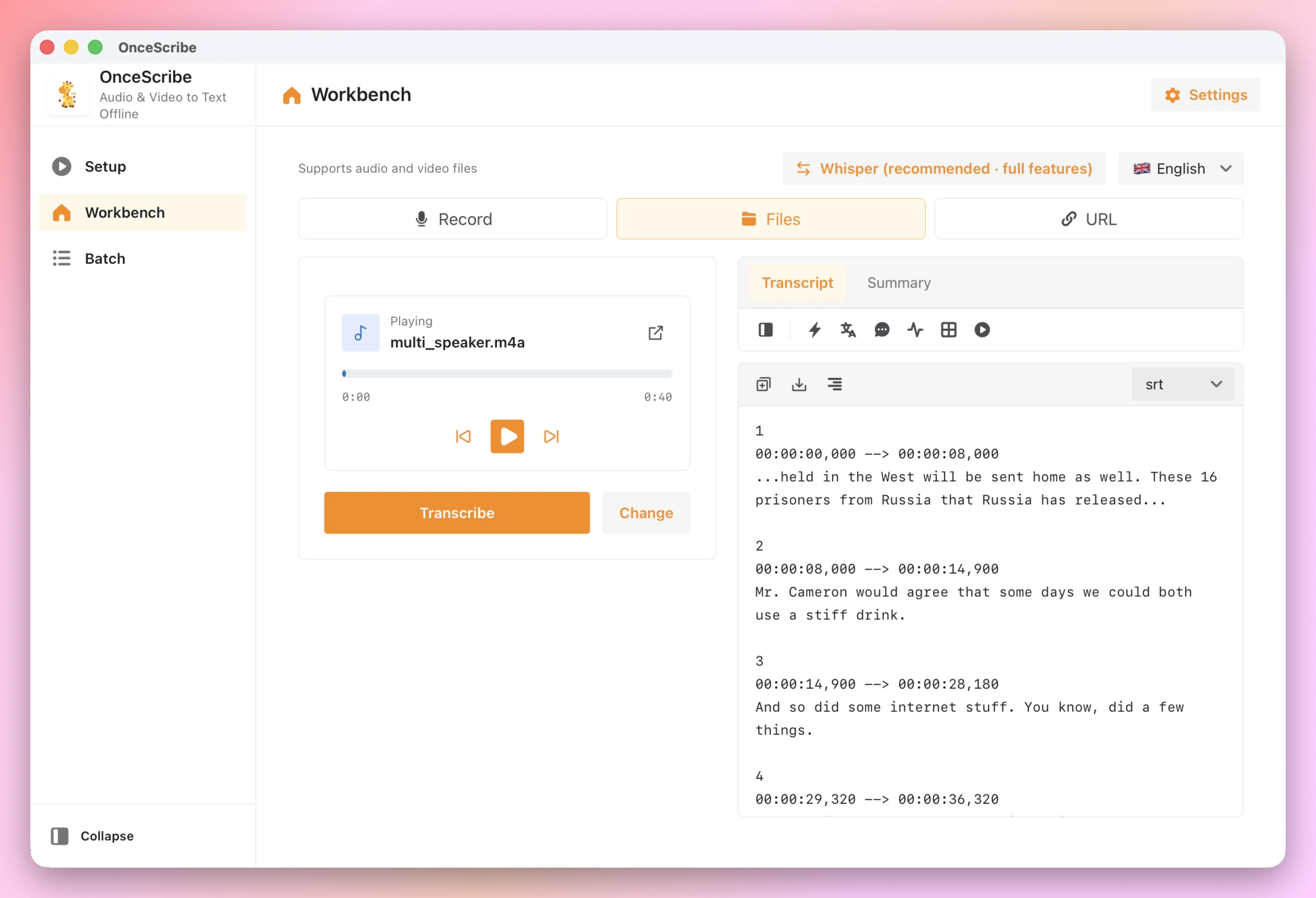
Speaker Diarization
Automatically label up to 4 speakers in meetings, interviews, and multi-host podcasts. Color-coded segments, click to jump.
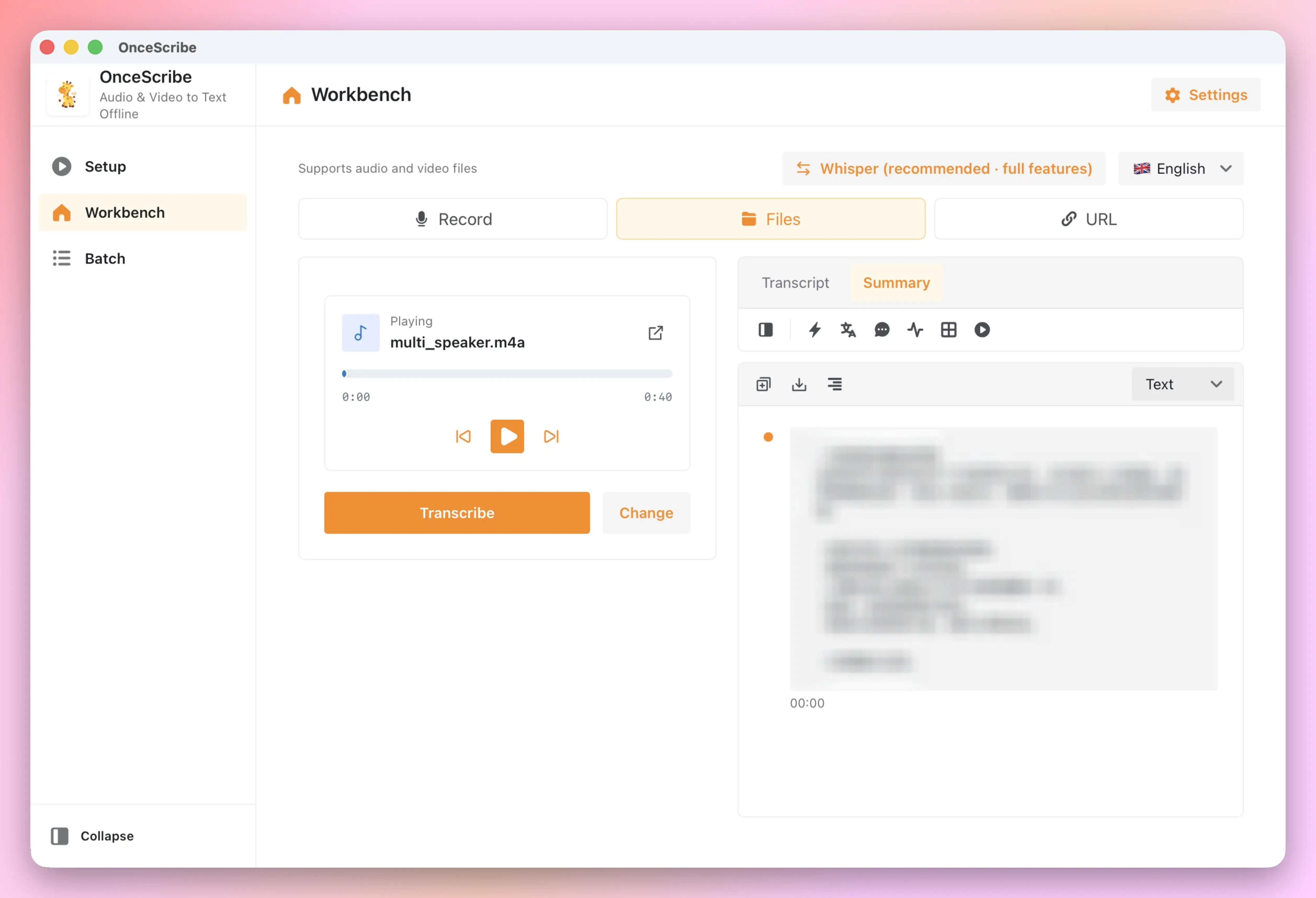
Subtitle Burn-in & Export
Export SRT, VTT, TXT, DOCX, Markdown, and more. Burn subtitles into video with custom font, position, color, and outline — one complete workflow.
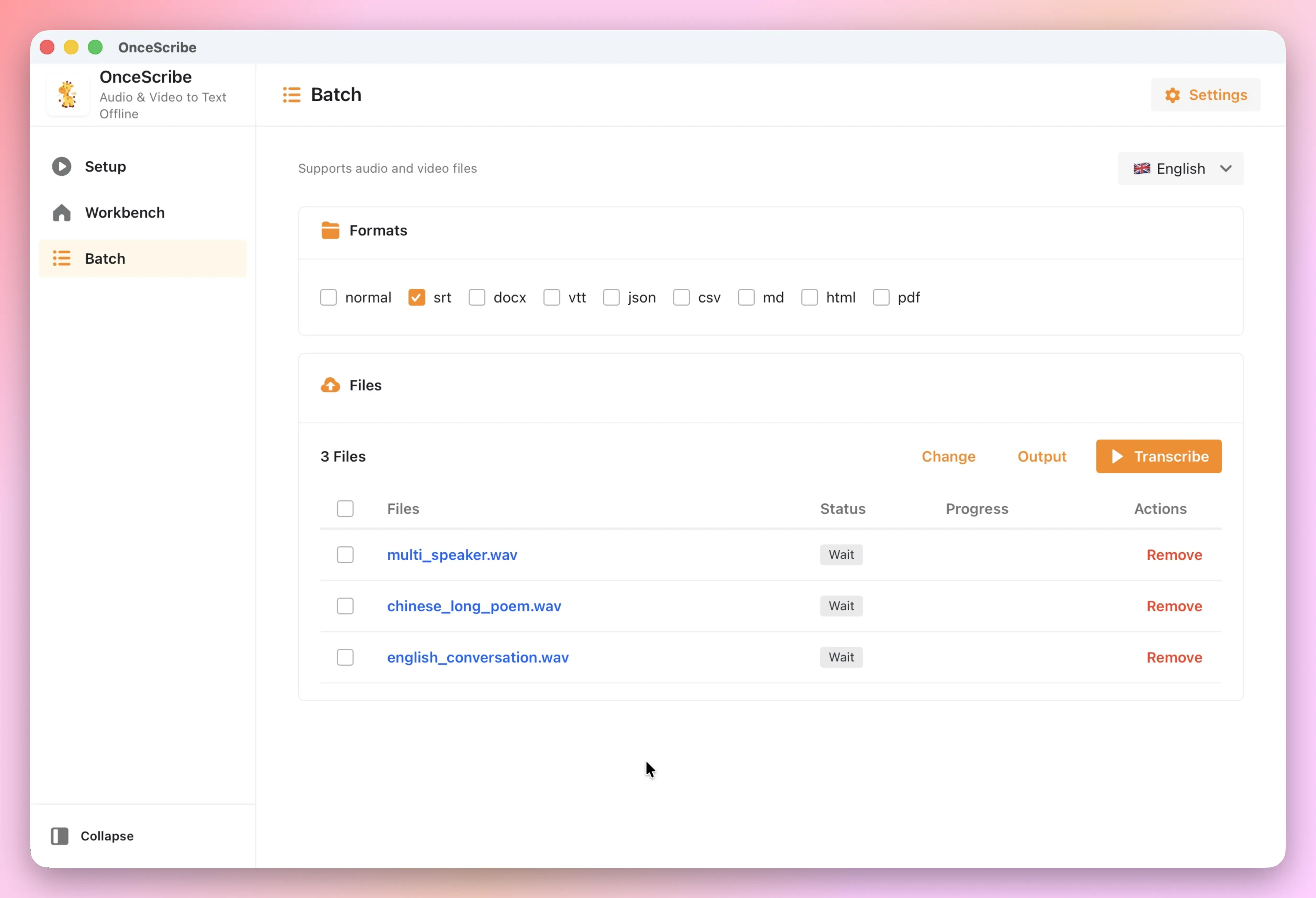
Batch & Watch Folder
Queue dozens of files for sequential transcription, or set a watch folder — drop in an audio or video file and transcription starts automatically.
Audio Enhancement
Noise reduction, vocal boost, and phone-audio optimization. Rescue poor recordings and significantly improve Whisper recognition accuracy.
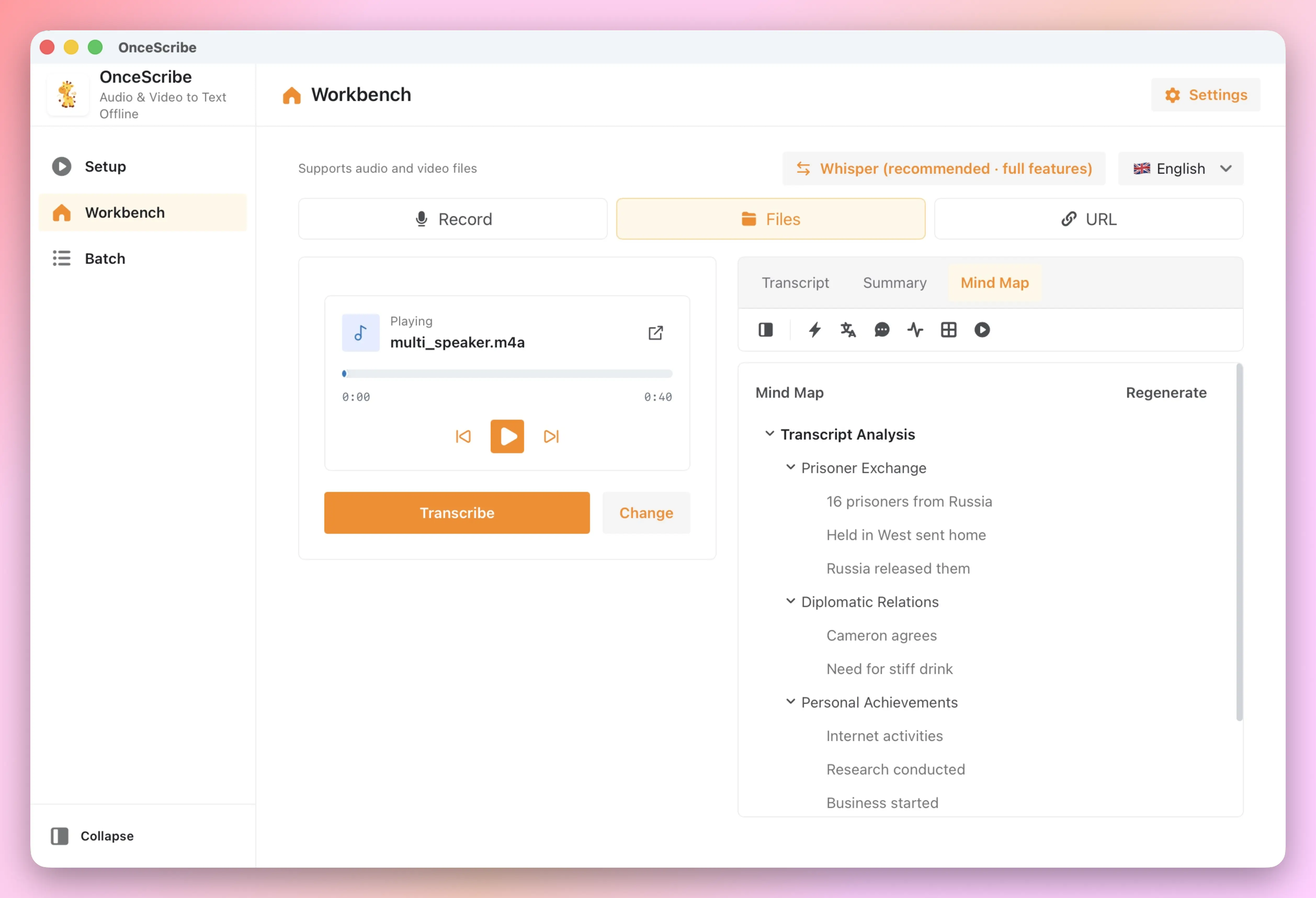
Smart Chapters & Mind Maps
AI analyzes structure to generate chapter segments and collapsible mind maps. Long webinars, lectures, and reports become scannable in seconds.
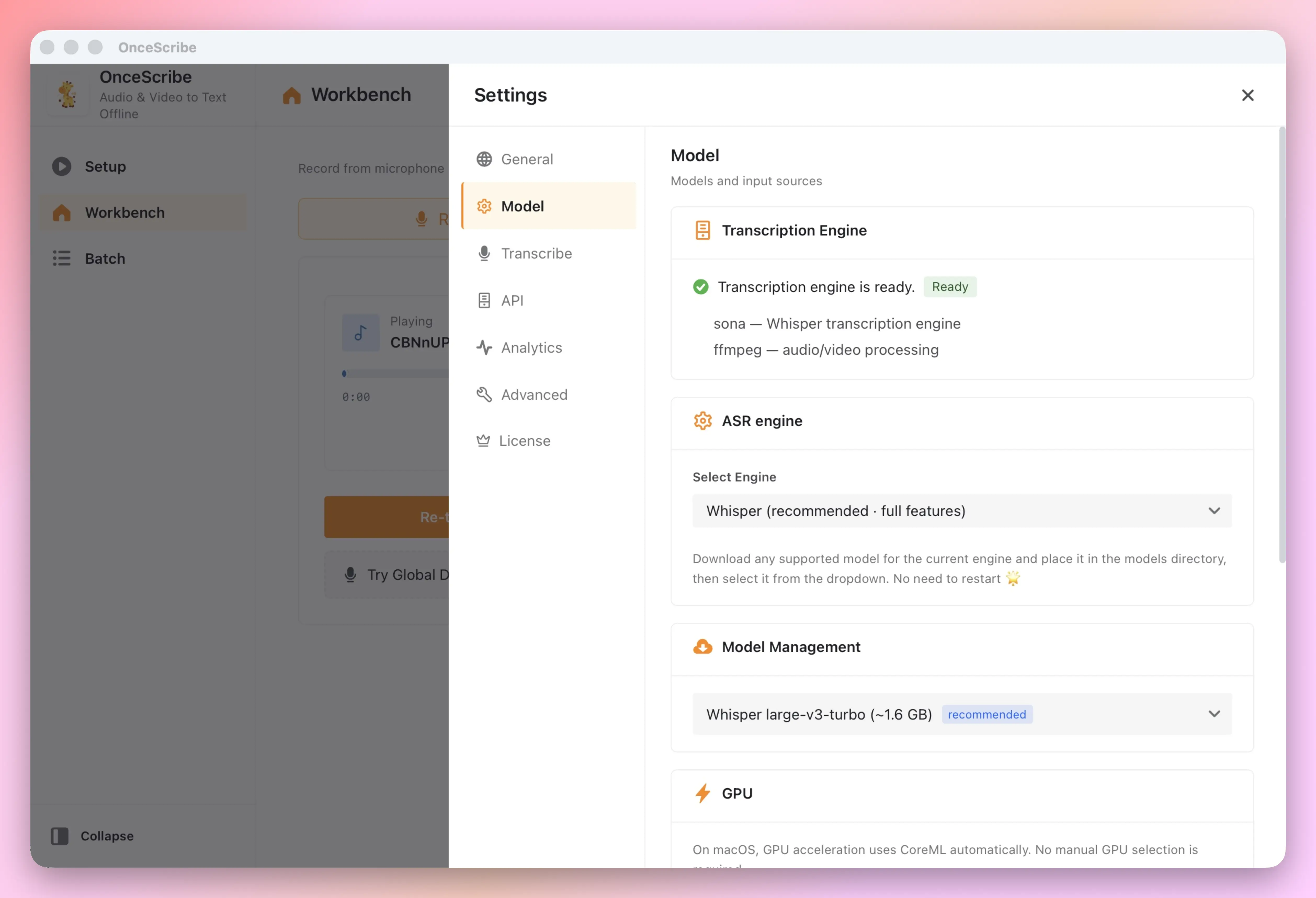
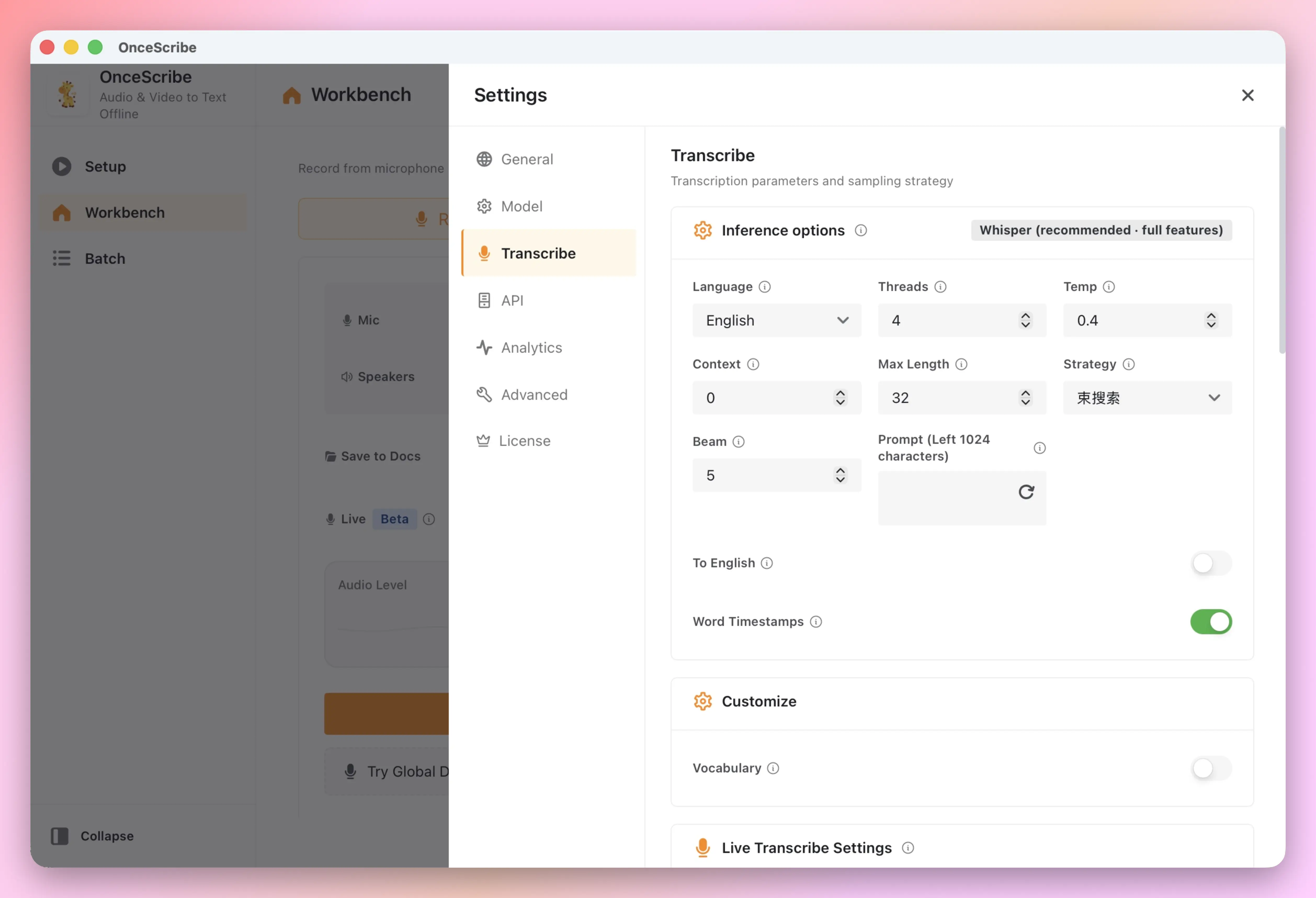
Flexible Settings
Choose your Whisper model, language, temperature, and preferred LLM provider. 9 UI languages, mirror sources, and full control over analytics.
Start free. Unlock unlimited when you need it.
All features are free. Only daily transcription volume differs.
Every feature is in Free. Pro only lifts the daily cap. Licenses are non-refundable — try before you buy.
Free
$0
- Single-file transcription
- 8 transcriptions per day
- Multi-language UI (9 languages)
- Global hotkey dictation
Yearly
$7.88
- Unlimited transcription
- Speaker diarization (4 speakers)
- Subtitle burn-in
- Use on up to 3 devices
Lifetime
$14.88
- Unlimited transcription
- Speaker diarization (4 speakers)
- Subtitle burn-in
- Use on up to 3 devices
Frequently Asked Questions
Everything you need to know about OnceScribe. Can't find the answer? Email us at contact@once.work.