OnceScribe: Turn Sound into Text, Safely and Efficiently
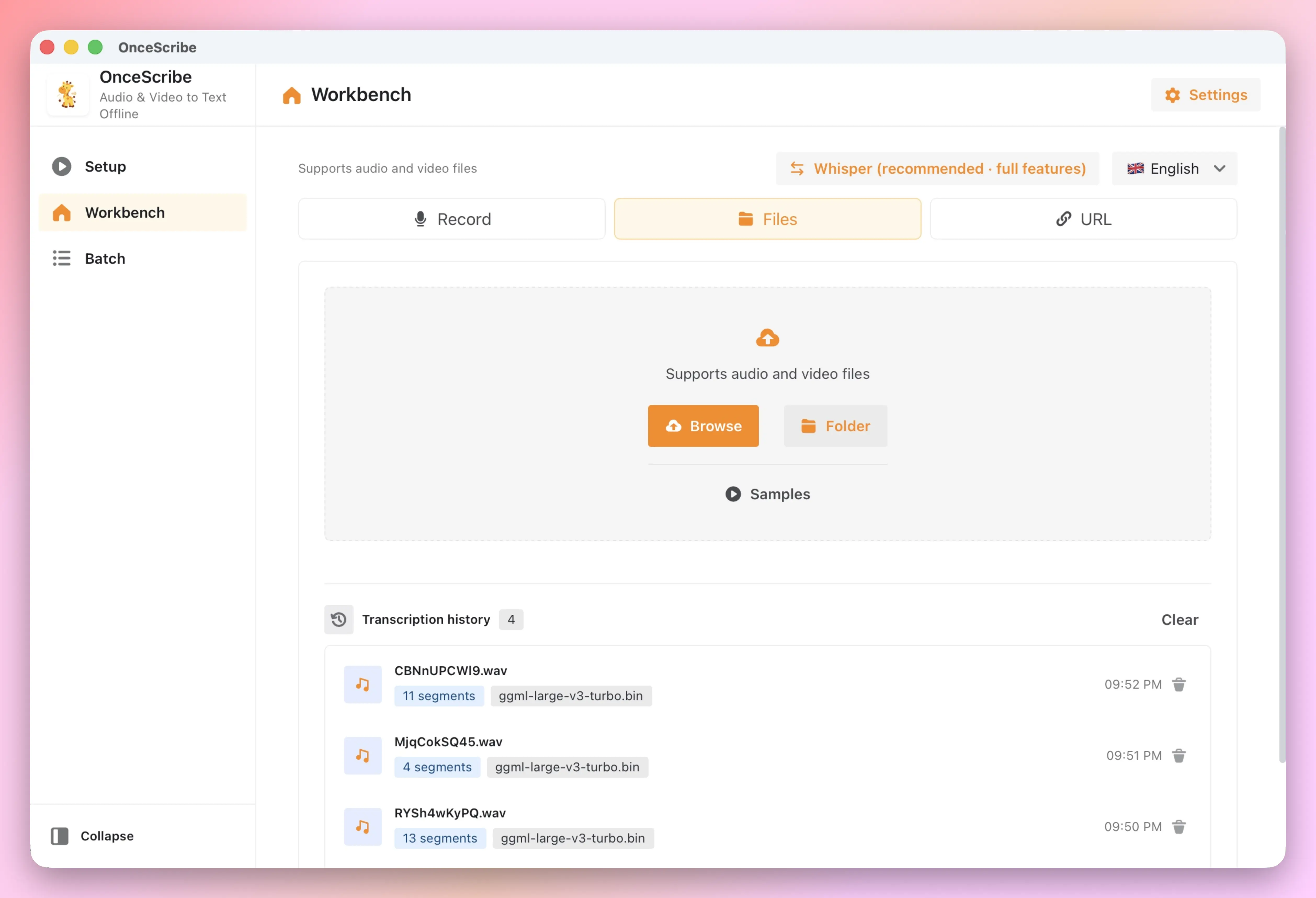
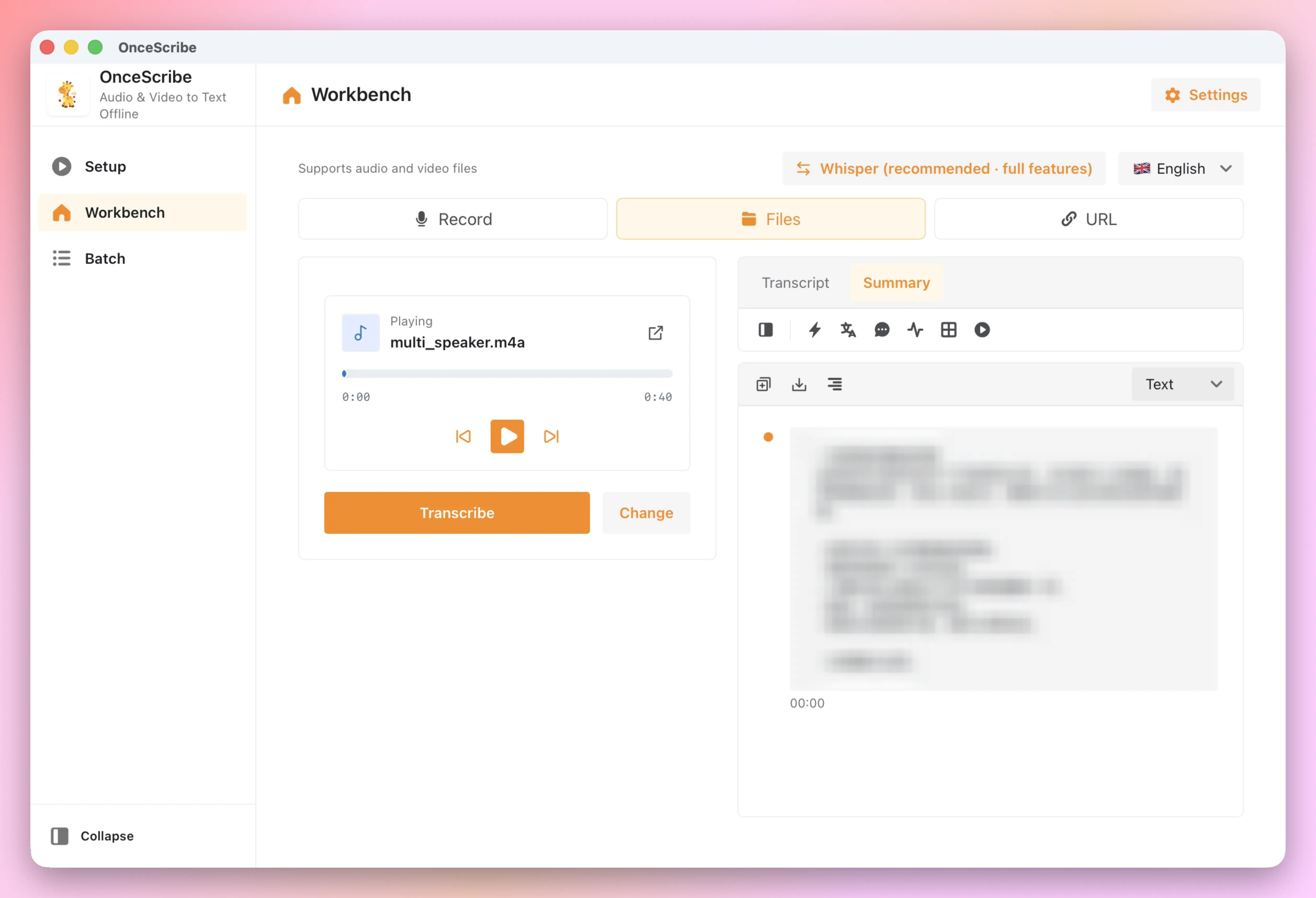
OnceScribe is an offline audio & video transcription app for macOS and Windows. Powered by OpenAI Whisper, it performs transcription, AI summaries, and subtitle generation entirely on your device — no cloud uploads, no privacy concerns.
Whether you’re documenting meetings, producing podcasts, creating video subtitles, organizing interviews, or taking lecture notes, OnceScribe turns hours of audio into searchable, editable, shareable text in minutes.
Supports macOS 11+ (Intel & Apple Silicon) and Windows 10/11. Download for free.
Why OnceScribe?
| Need | Online Transcription | OnceScribe |
|---|---|---|
| Privacy | Audio uploaded to cloud | Fully local, data stays on device |
| Network | Requires internet | Works offline after model download |
| Long-term cost | Per-minute / monthly fees | Lifetime option + free tier |
| Pro features | Often missing | Diarization, burn-in, batch, AI summaries |
Fully Offline, Zero Privacy Compromise
Load Whisper models locally and transcribe without an internet connection. Your meeting recordings, interviews, podcasts — any audio never leaves your device. You are in full control.
- Local Whisper Engine: Based on whisper.cpp, with GPU acceleration (Vulkan / CoreML)
- Qwen3-ASR Engine: Optional local engine optimized for Chinese, dialects, and code-switching
- Zero Upload: No audio or transcript data is collected or uploaded
- Optional LLM: AI summary supports local Ollama or cloud APIs — your choice
Multiple Sources, One-Click Transcription
No matter where your content is, OnceScribe handles it:
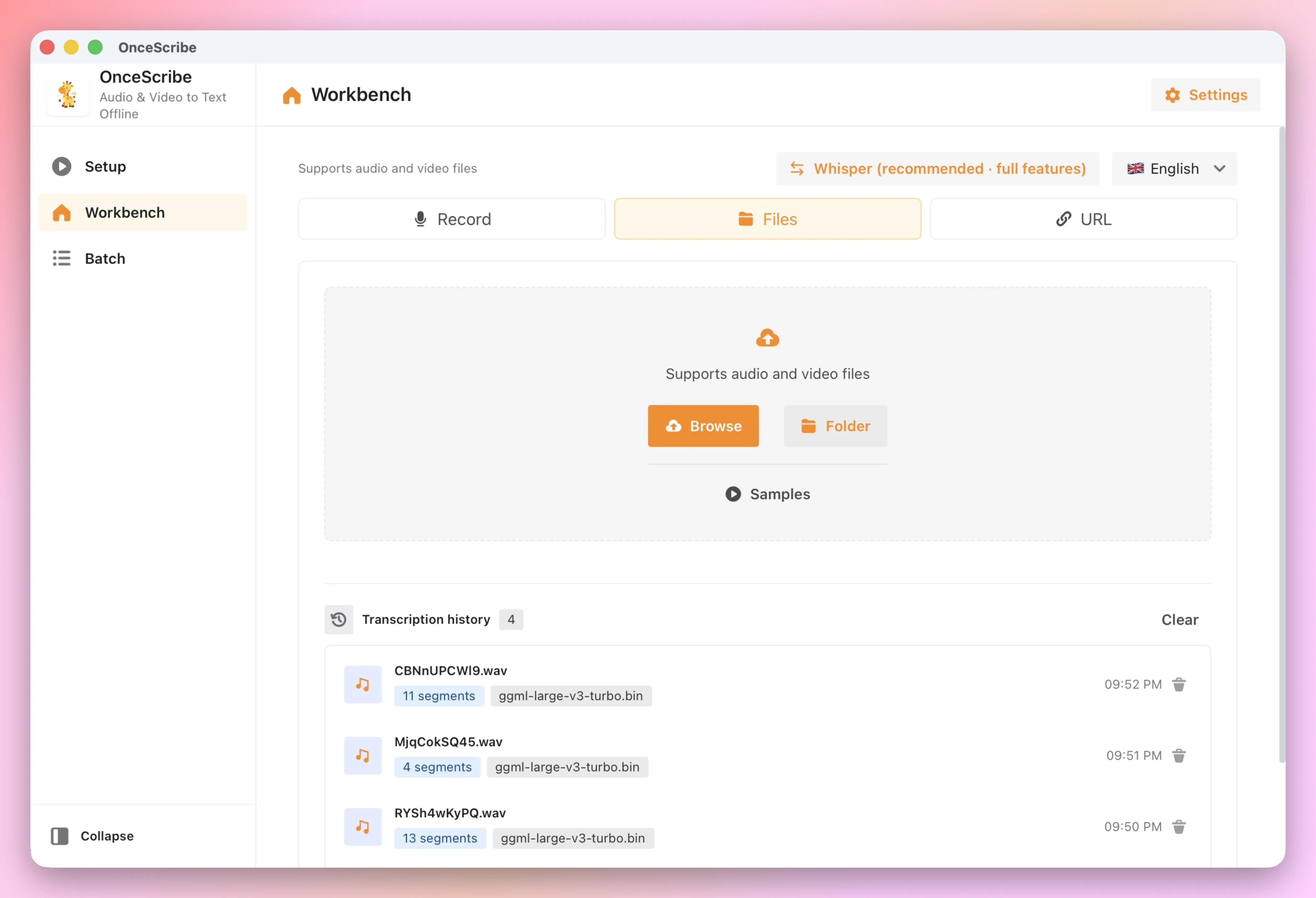
- Local Files: Drag & drop audio/video files to the workbench
- Microphone Recording: Record and transcribe in real time, with system audio capture
- Online Links: Paste YouTube URLs, auto-download and transcribe
- Batch Queue: Process multiple files at once, or set a watch folder for auto-transcription
AI Goes Beyond Transcription
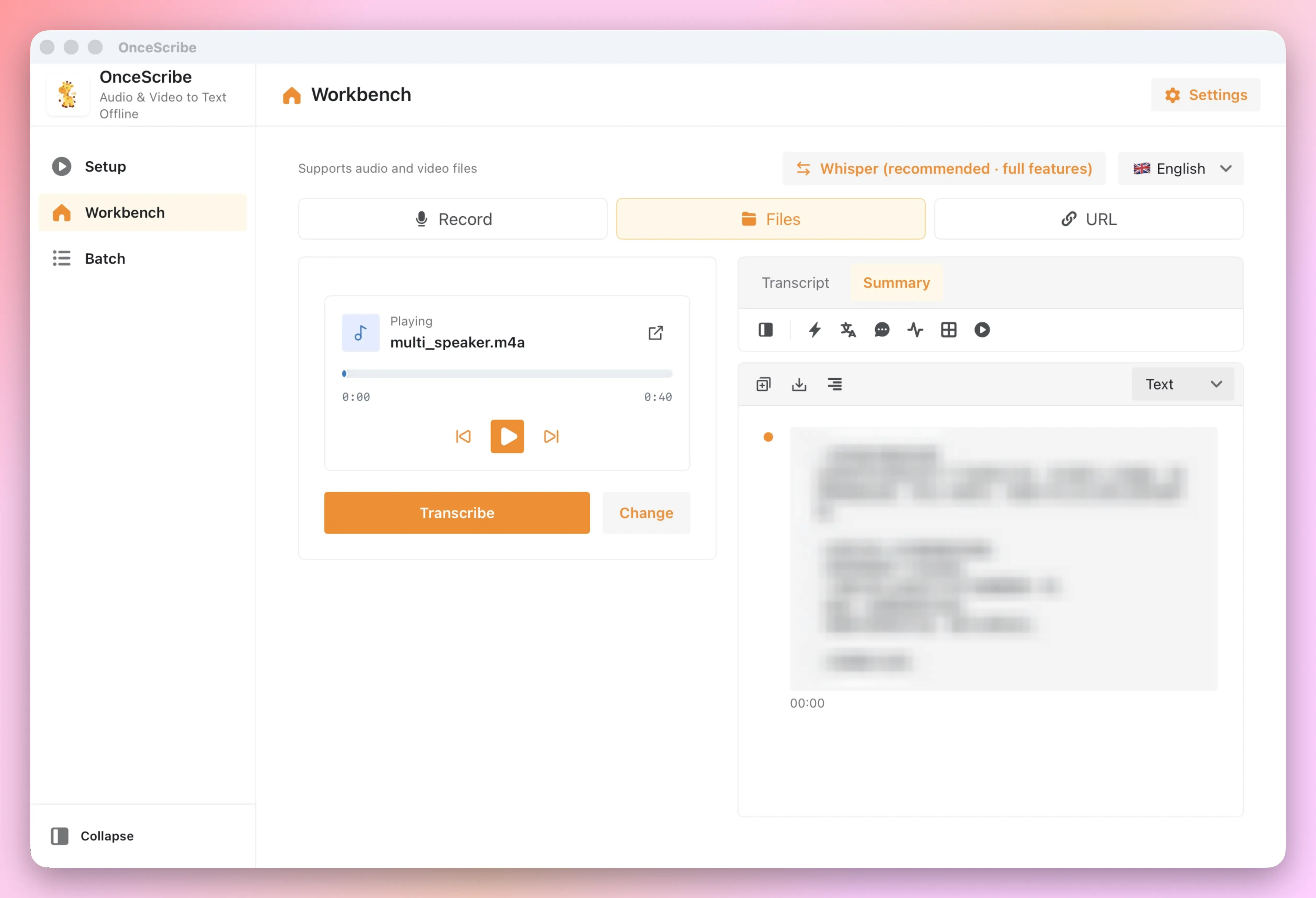
After transcription, OnceScribe’s AI capabilities unlock more value from your text:
- Smart Summaries: Auto-generate content summaries and extract key insights
- Conversational Q&A: Chat with your transcript to dig deeper
- Translation & Polish: Translate to multiple languages, or use AI to remove filler words and optimize structure
- Mind Maps: AI analyzes content structure and generates hierarchical mind maps
- Smart Chapters: Auto-identify topic transitions and generate chapter segments
Supports Claude, DeepSeek, Gemini, Qwen, and local Ollama models.
Speaker Diarization for Crystal-Clear Meeting Notes
Automatically identify and label up to 4 speakers. Color-coded, click to jump. Meeting notes and interview transcripts have never been this organized.
Professional Subtitle Workflow
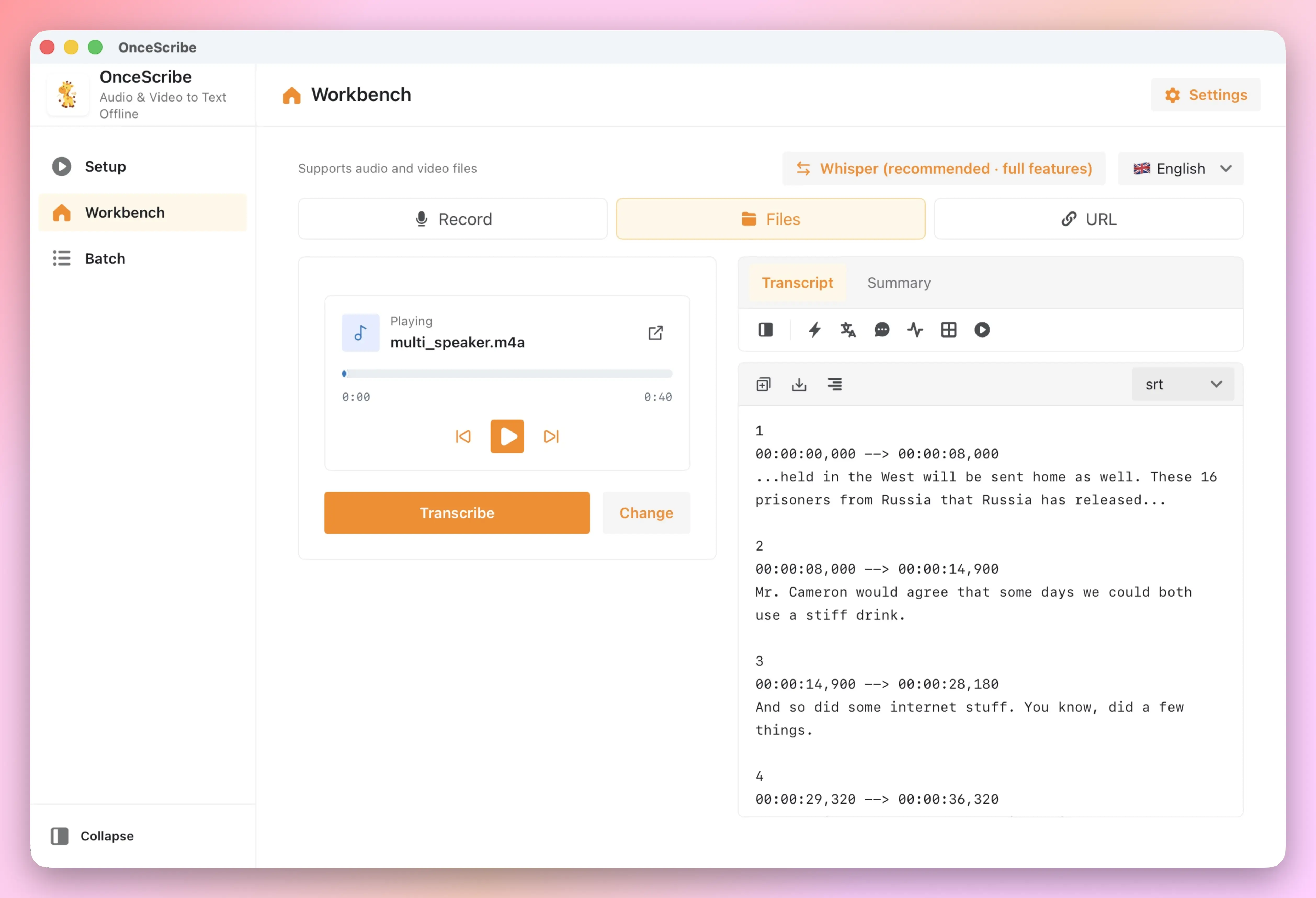
From transcription to finished subtitles, all in one place:
- Multi-format Export: SRT, VTT, TXT, JSON, CSV, DOCX, Markdown, HTML, PDF
- Subtitle Burn-in: Embed subtitles into video with custom font, position, color, and outline
- Stable Timestamps: VAD-backed precise timestamps, perfectly synchronized with video
Free to Use, Pro Removes the Limit
All features are available for free, including: batch queue, live recording, watch folder, speaker diarization, AI summaries, subtitle burn-in, video trimming, audio enhancement, smart chapters, sentiment analysis, cross-file analytics, and all export formats and Whisper models.
Free: 8 transcriptions per day.
Pro: Unlimited transcriptions.
| Free | Pro | |
|---|---|---|
| All features | ✅ | ✅ |
| Daily transcriptions | 8 | Unlimited |
Download Free · View Pro Pricing · Activate Pro
Frequently Asked Questions
How is OnceScribe different from online transcription services?
OnceScribe runs entirely on your device. Your audio files and transcripts are never uploaded to the cloud, so you keep full control over sensitive meetings, medical notes, or confidential interviews. You also avoid per-minute fees and internet dependency.
Do I need to download transcription models separately?
Yes. On first launch, OnceScribe guides you to download a model to your local machine:
- Whisper: from tiny to large-v3-turbo
- Qwen3-ASR: 0.6B (free) and 1.7B (Pro)
This lets you balance speed and accuracy. You can also import custom models via deep link.
Which languages and platforms are supported?
OnceScribe supports macOS 11+ (Intel & Apple Silicon) and Windows 10/11. The UI is available in 9 languages, and Whisper transcription supports 99+ languages.
Can I use Pro on multiple devices?
Yes. A Pro license supports multiple device bindings. You can unbind old devices anytime in Settings when switching machines.
Next Steps
- Getting Started — Download, install model, first transcription
- Pricing · Activate Pro
- Settings
Questions or feedback: contact@once.work